


Anker
Refurbished Anker <b>563</b> USB-C Hub (10-in-1, Dual 4K HDMI, For MacBook)
Refurbished Anker <b>563</b> USB-C Hub (10-in-1, Dual 4K HDMI, For MacBook)
Couldn't load pickup availability
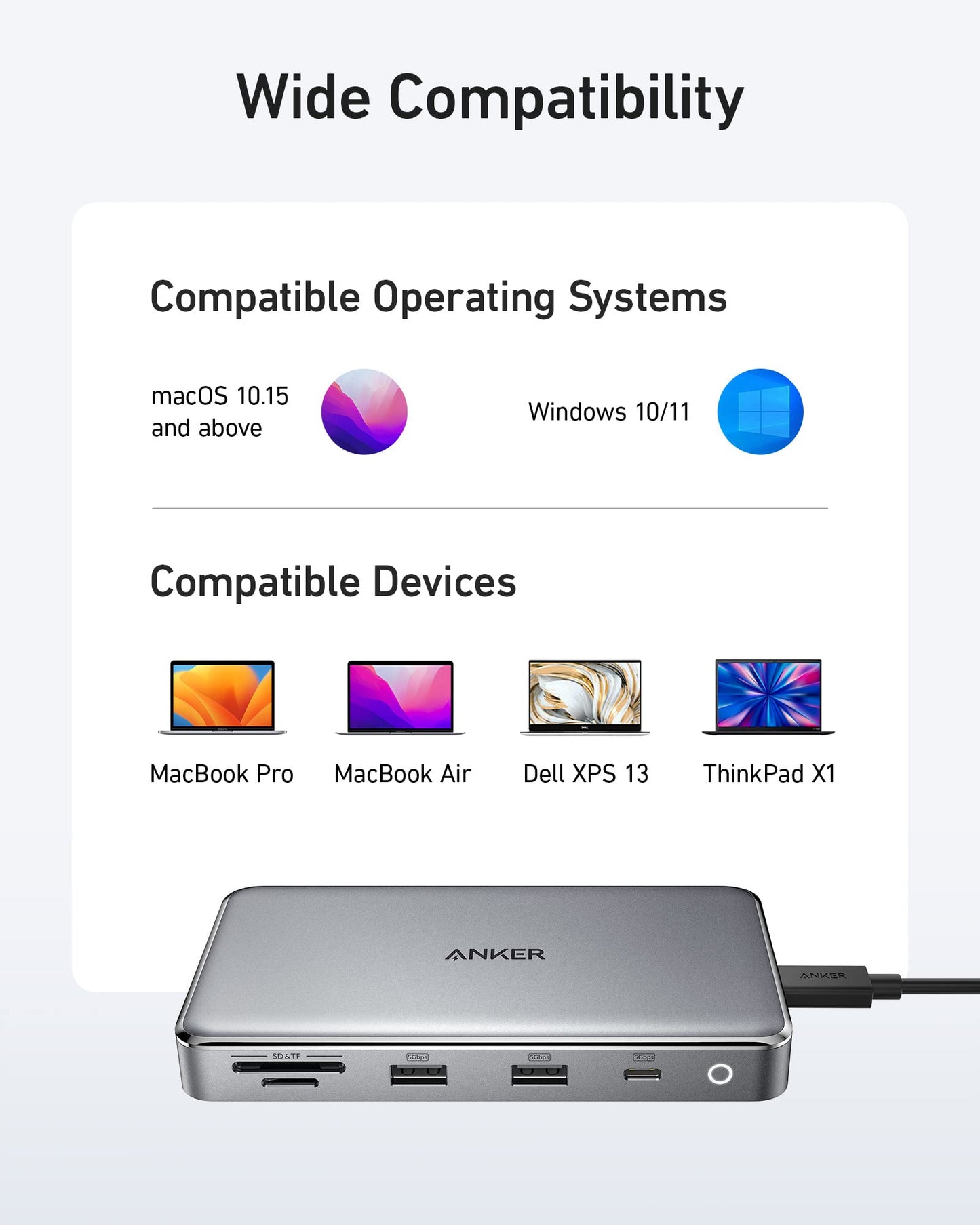
- Huge 10-Port Expansion: Equipped with 2 HDMI ports, a USB-C upstream port (connects to laptop), a USB-C data port, 2 USB-A data ports, SD and microSD card slots, an Ethernet port, and a 100W max PD-IN port.
- Dual 4K Display: Dual HDMI ports allow you to connect up to 2 monitors for display extension or mirroring at up to 4K.
- High-Speed File Transfer: Transfer files at speeds of up to 5 Gbps via the USB-C and USB-A data ports.
- 85W Pass-Through Charging: Keep your laptop powered while accessing the hub's other functions. Pass-through charging requires a charger (not included).
- What You Get: Anker 563 USB-C Hub (10-in-1, Dual 4K HDMI, for MacBook), welcome guide, 18-month warranty, and friendly customer service.
Share


This docking station solved my issue for my Macbook. I tried a couple other options but this was the only one that worked. I have not experienced any issues since setting this up a few months ago.
Plug and play. No rocket science. Anker is just good.
Works great for my 2019 M1 Macbook Pro. i can use my Macbook display and two external monitors at the same time (all with different displays)
As always, a win with Anker!Worth the price. Been using for a month now with no issues and as fast times as expected.
**Update**This still works beautifully a few weeks in, no issues whatsoever. It doesn't get overly warm (like I would say it's mildly warm at most). After reading further, there is nothing nefarious about the screen recording message. Overall I'm happy with the ability to work on two monitors on my Mac.---Well, after reading many reviews on desktop docs for MacBook I planned on this one. This is my initial impression of the doc so far and I'll come back to update later as I get used to it.I have a 2019 Intel MacBook Pro 15" that I wanted to use with dual monitors. This dock, so far, fits the bill. I'm connected via hdmi for both screens and the dock works as expected with the software download. I also have a Webcam and wireless keyboard connected via USB to the dock so I can work with the lid closed.My only concern is with the software download. At no time do I want anyone to have the ability to 'record' my screen without my consent. I have emailed anker to see if they can find another software provider which will perform the same but, you know, protect my privacy.
This docking station solved my issue for my Macbook. I tried a couple other options but this was the only one that worked. I have not experienced any issues since setting this up a few months ago.
Plug and play. No rocket science. Anker is just good.
Works great for my 2019 M1 Macbook Pro. i can use my Macbook display and two external monitors at the same time (all with different displays)
As always, a win with Anker!Worth the price. Been using for a month now with no issues and as fast times as expected.
**Update**This still works beautifully a few weeks in, no issues whatsoever. It doesn't get overly warm (like I would say it's mildly warm at most). After reading further, there is nothing nefarious about the screen recording message. Overall I'm happy with the ability to work on two monitors on my Mac.---Well, after reading many reviews on desktop docs for MacBook I planned on this one. This is my initial impression of the doc so far and I'll come back to update later as I get used to it.I have a 2019 Intel MacBook Pro 15" that I wanted to use with dual monitors. This dock, so far, fits the bill. I'm connected via hdmi for both screens and the dock works as expected with the software download. I also have a Webcam and wireless keyboard connected via USB to the dock so I can work with the lid closed.My only concern is with the software download. At no time do I want anyone to have the ability to 'record' my screen without my consent. I have emailed anker to see if they can find another software provider which will perform the same but, you know, protect my privacy.
This docking station solved my issue for my Macbook. I tried a couple other options but this was the only one that worked. I have not experienced any issues since setting this up a few months ago.
Plug and play. No rocket science. Anker is just good.
Works great for my 2019 M1 Macbook Pro. i can use my Macbook display and two external monitors at the same time (all with different displays)
As always, a win with Anker!Worth the price. Been using for a month now with no issues and as fast times as expected.
**Update**This still works beautifully a few weeks in, no issues whatsoever. It doesn't get overly warm (like I would say it's mildly warm at most). After reading further, there is nothing nefarious about the screen recording message. Overall I'm happy with the ability to work on two monitors on my Mac.---Well, after reading many reviews on desktop docs for MacBook I planned on this one. This is my initial impression of the doc so far and I'll come back to update later as I get used to it.I have a 2019 Intel MacBook Pro 15" that I wanted to use with dual monitors. This dock, so far, fits the bill. I'm connected via hdmi for both screens and the dock works as expected with the software download. I also have a Webcam and wireless keyboard connected via USB to the dock so I can work with the lid closed.My only concern is with the software download. At no time do I want anyone to have the ability to 'record' my screen without my consent. I have emailed anker to see if they can find another software provider which will perform the same but, you know, protect my privacy.